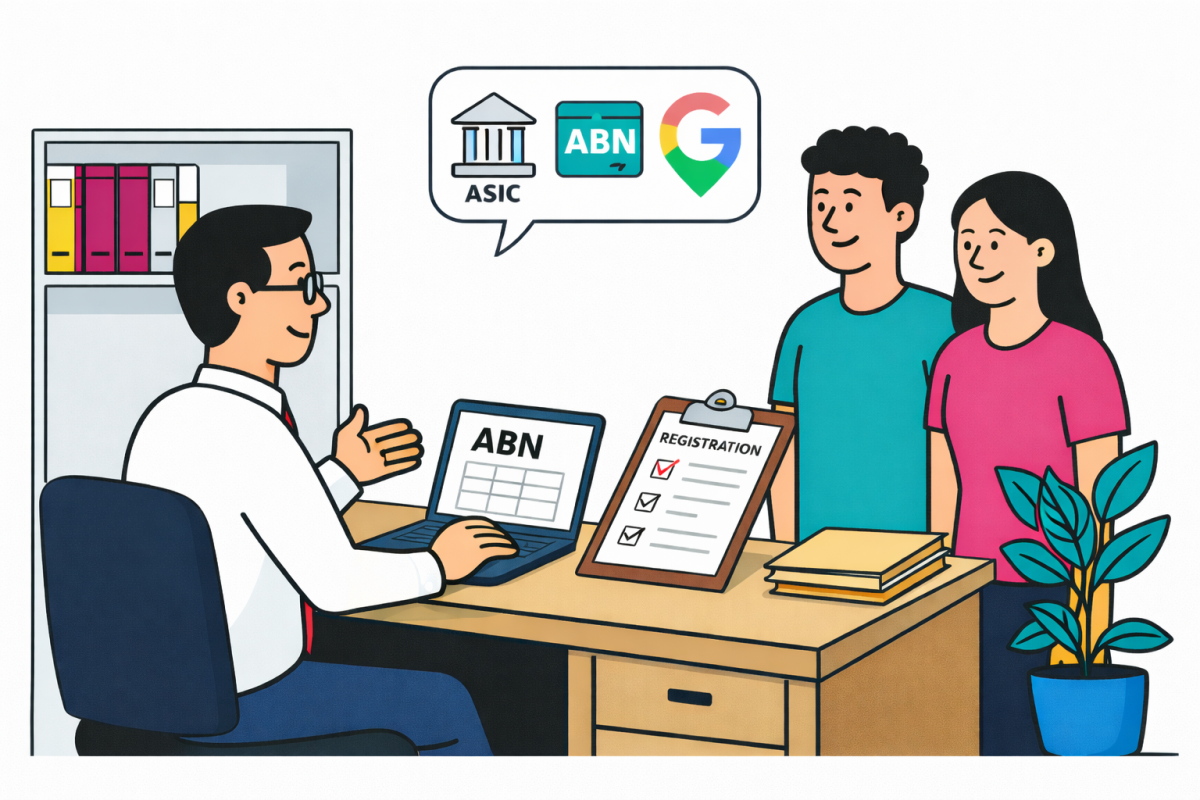
If you’re an accountant or bookkeeper, you’ve probably had the same conversation dozens of times: “Can I just use my home address for ASIC/ABN/Google for now?” — and you already know how that ends. This guide gives you a simple, reliable option to point clients to, so you stop firefighting address problems later.
No lock-in. Month-to-month available. Cancellation is simple — the client just emails before the next invoice is due.
The Real Problem: “Use your home address for now” becomes permanent
Clients often start with the best intentions — but once an address is used across ASIC, ABN, Google, invoices, websites, bank accounts, merchant facilities, insurance, and suppliers… it becomes painful to unwind.
- Privacy risk: home addresses end up exposed on public registers and online listings.
- Compliance friction: clients scramble for “permission to use address” after the fact.
- Ongoing admin: updates get forgotten, and you’re the one chasing them later.
- Client complaints: mail goes missing, Google listings fail, or addresses look unprofessional.
Quick answer to give clients
“If you don’t want your home address on records, use a professional street address with written consent and simple mail handling.”
- New company registration or ABN setup
- Google Business Profile / Maps listing
- Home-based clients (sole traders + small companies)
- Clients who move frequently or travel
- Clients who want a consistent address on invoices/website
What accountants & bookkeepers currently use (and why it’s messy)
| Option | Why it’s used | Where it breaks |
|---|---|---|
| PO Box (Australia Post) | Familiar, “cheap-ish”, easy to explain. | Often becomes a half-solution: not a street presence and can’t be used everywhere clients expect (e.g., public-facing location needs). |
| Large providers (Regus / Servcorp) | Recognised brands, feels “compliant”. | Overkill for small clients, expensive, complex onboarding, and clients commonly complain after signup. |
| Client’s home address | Fastest “for now” option. | Privacy + exposure issues, forgotten updates, and ongoing admin later (your admin). |
| Salt Space Virtual Office |
One clean place to point clients. Real street address + clear documentation + local support. |
Not a receptionist/call answering service (virtual office address + mail handling + workspace perks). |
Where Salt Space is different (for accountants)
✅ A simple, accountant-friendly referral
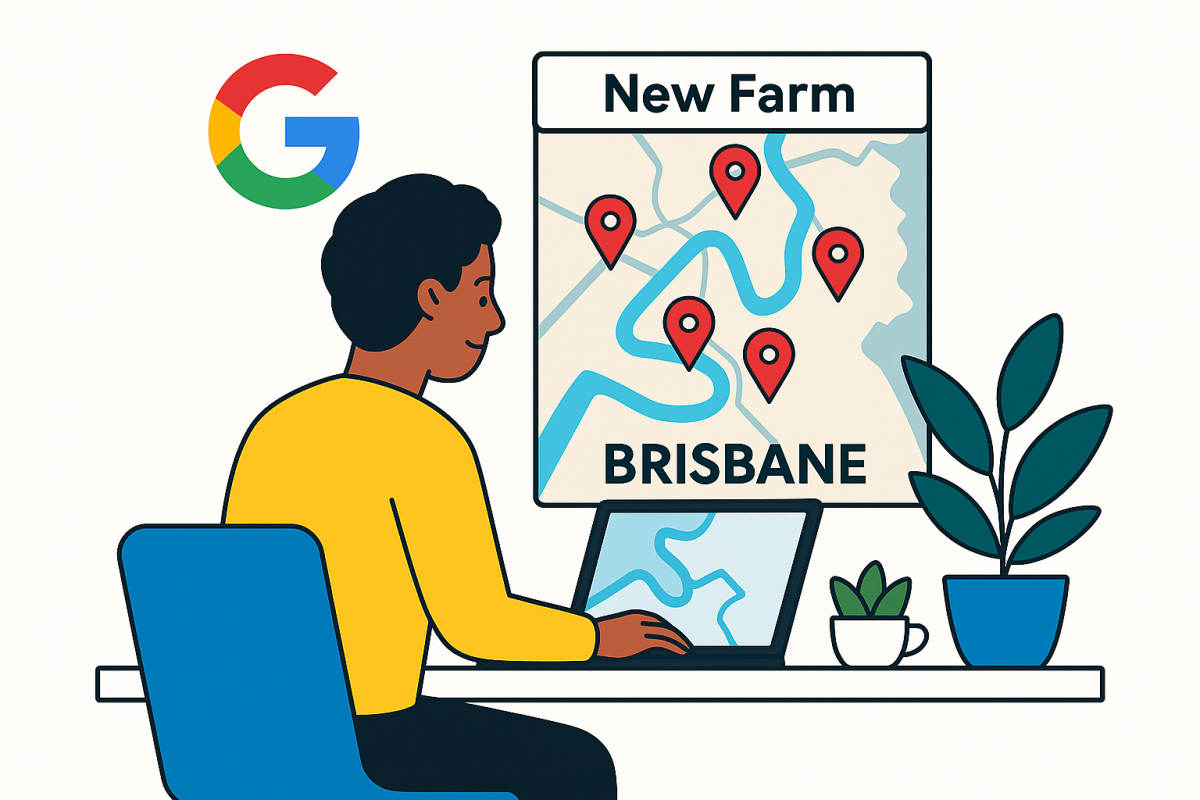
Salt Space provides a real Brisbane street address (New Farm) with clear, written documentation so your client can use it across their registrations and public presence — without using their home address.
✅ Guidance for the tricky bit (Google)
If your client needs help with their Google Business Profile, Salt Space provides guidance and a recording setup process for video verification (where applicable).
✅ Clear inclusions your clients actually value
- Email notifications when mail arrives + secure holding
- Same-day setup once paid (activation + documentation)
- Permission to use address documentation
- Unique office number option
- No lock-in and month-to-month available
- Simple cancellation — notify by email before the next invoice due date
A copy-paste script you can use with clients
“If you don’t want your home address showing up across registrations and online listings, use Salt Space Virtual Office in New Farm. It’s a real street address with permission documentation and mail handling. You can sign up month-to-month and cancel anytime by email.”
Client onboarding checklist (so you don’t get dragged into mail admin)
- Client signs up via the setup form and pays the invoice.
- Client receives their address permission documentation (and unique office number if used).
- You update ASIC / ABN / other records using the details supplied to the client.
- Client sets mail preferences (collect, scan, forwarding add-on if needed).
- When cancelling: client removes the address everywhere and emails Salt Space before their next invoice due date.
Tip: Ask the client to keep a simple list of everywhere the address is used (ASIC, ABR, website footer, invoices, Google profile, social profiles, banks, suppliers).
FAQs for accountants & bookkeepers (FAQ schema)
Can my client use Salt Space as their business address instead of a home address?
Yes. Salt Space provides a professional Brisbane street address option via its Virtual Office service, designed for clients who don’t want to use their residential address across business records and public listings.
Is there a lock-in contract for clients?
No. Clients can pay month-to-month. Cancellation is simple: they notify Salt Space by email before the due date of the next invoice.
How quickly can a client get set up?
Setup can be same-day once the invoice is paid. After payment, the client can begin using the address and receives the relevant documentation sent by email.
What’s the easiest way for me to refer clients?
Send the Virtual Office page and the setup form link. The client completes the form, pays the invoice, and receives the documentation they need to use the address.
Does Salt Space handle mail and notify clients?
Yes. Clients receive email notifications when mail arrives, with secure holding. Scanning and forwarding options may be available depending on the client’s requested handling method.
Can clients use the address for Google Business Profile support?
Salt Space provides guidance and support for Google Business Profile video verification processes where applicable. Final verification decisions are made by Google.
What should clients do before cancelling?
Before the end date, clients should remove the address from ASIC/ABN/online profiles, collect remaining mail or provide a forwarding address, and email to cancel before the next invoice due date.
Virtual Office info: https://saltspace.com.au/virtual-office/
Setup form: Open the setup form
Want a single, reliable address option to point clients to?
Salt Space is built for the “please don’t make me use my home address” client — with a real Brisbane address, clear documentation, mail notifications, and simple month-to-month cancellation by email.